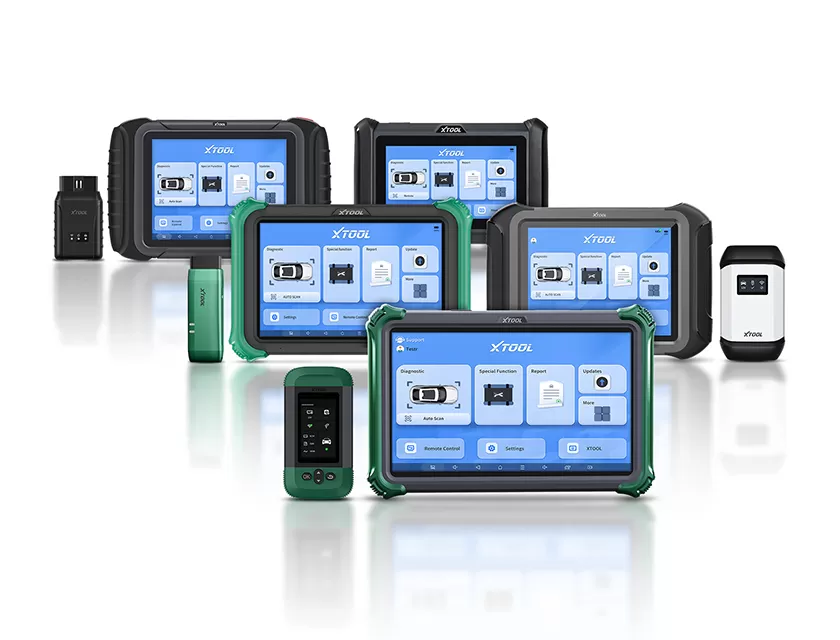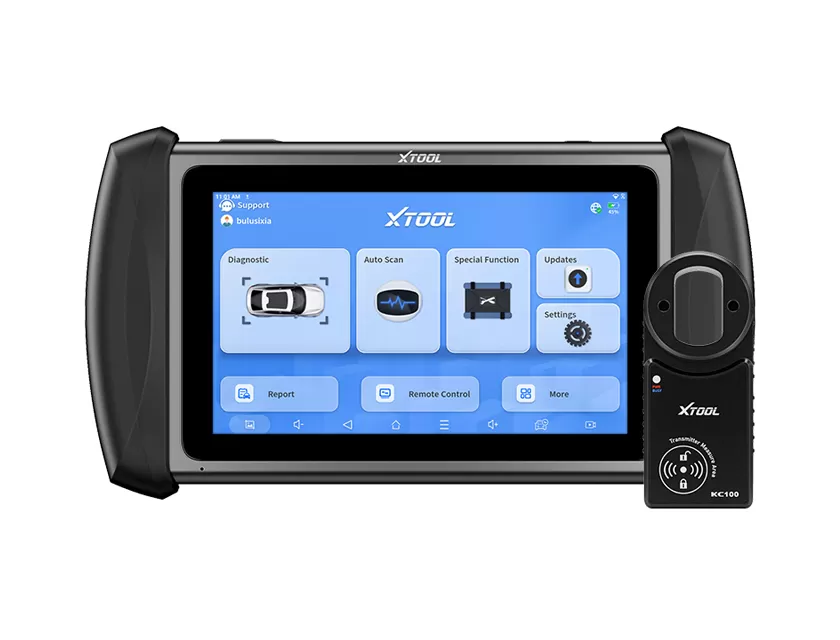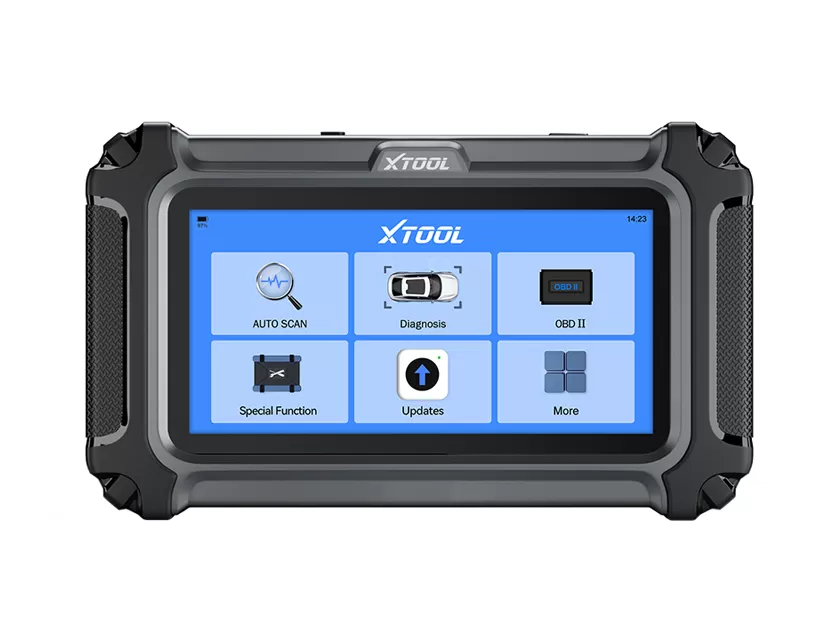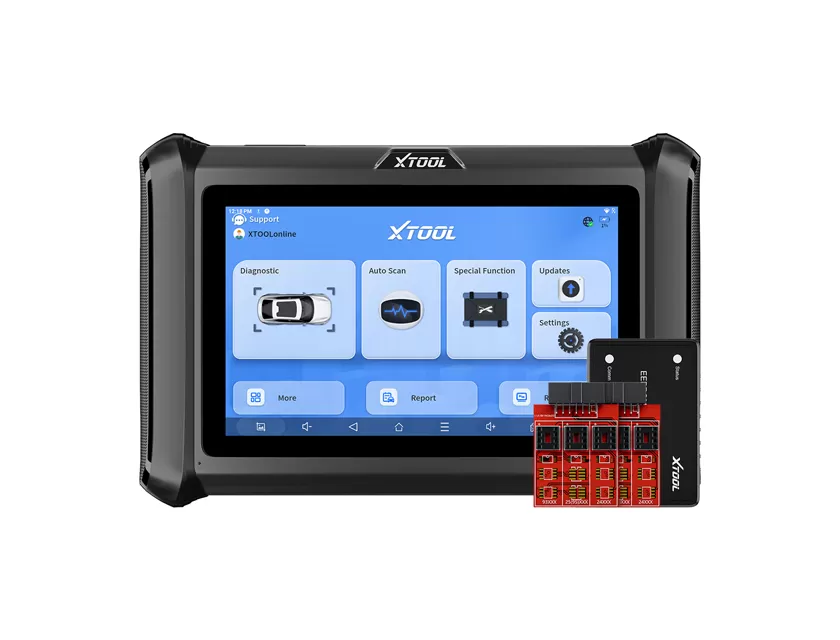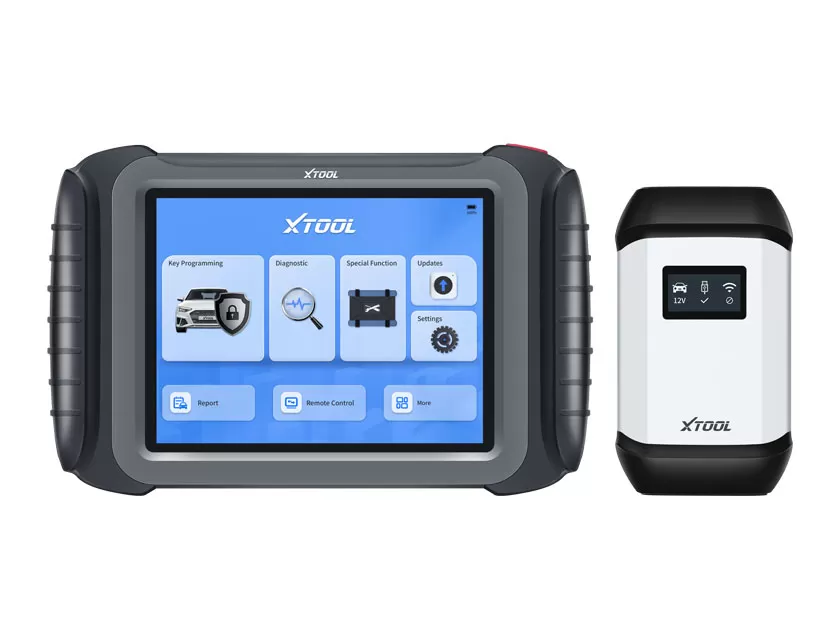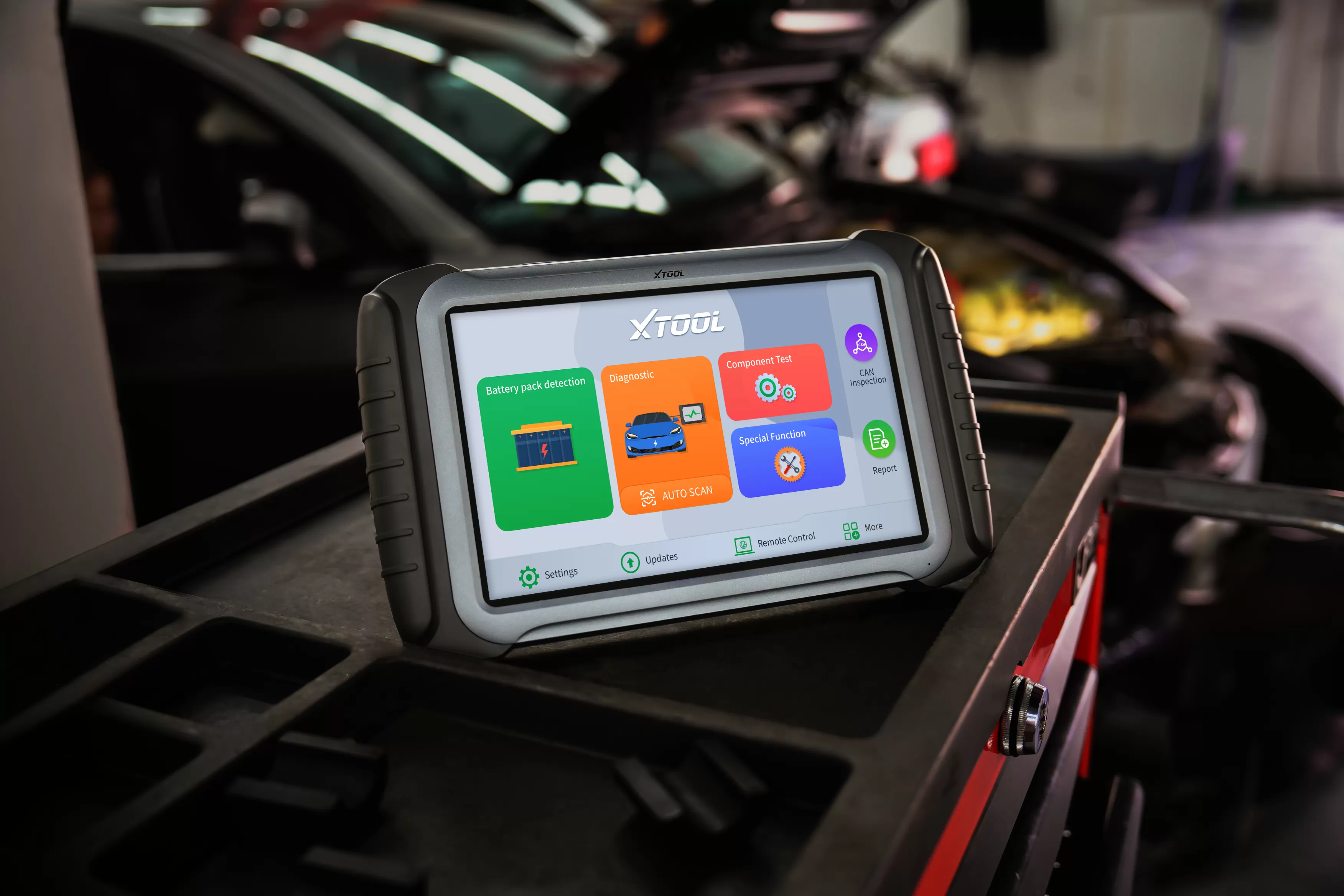
A car diagnostic tool scanner, often referred to as an OBD2 scanner, connects to a vehicle’s OBD2 port and retrieves data from the engine and other electronic control units. It helps identify fault codes, monitor live sensor data, reset warning lights, and carry out service functions such as oil reset or DPF regeneration. Modern automotive diagnostics now involve more ECUs, hybrid systems, ADAS, and brand-specific modules, so selecting a scanner is no longer just about price. It is about whether the tool can truly access, interpret, and control the systems you work on. This is where an XTOOL diagnostic scanner stands out, because it is designed for multi-system, multi-brand workflows rather than only basic engine-code reading. The automotive diagnostic scan tools market continues to expand rapidly, which gives buyers a wide and sometimes confusing range of options. Tools now range from simple code readers to advanced dealer-style platforms, making it important to match the scanner to the actual work you do.
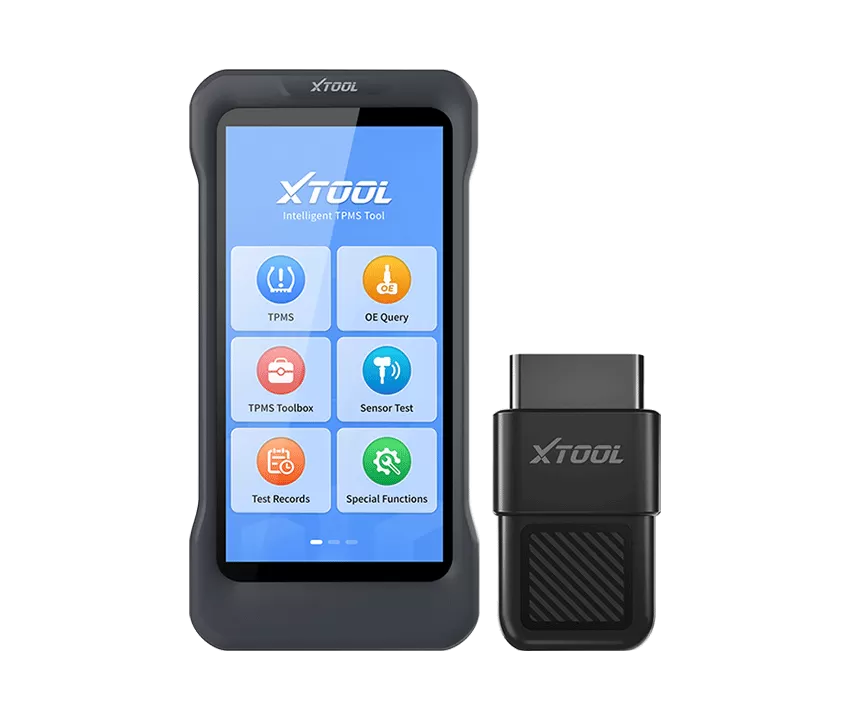
Matching a car diagnostic tool scanner to your needs means aligning its coverage, functions, and user experience with your role and the kind of vehicles you service. An XTOOL diagnostic scanner is built to scale across DIY, professional workshop, and fleet use, but the right model still depends on your specific requirements.
Start by identifying your user profile clearly: occasional DIY car owner, experienced enthusiast, independent workshop, mobile technician, or fleet or garage operator. A DIY owner who mainly wants to turn off a check engine light can usually rely on a basic OBD2 code reader, while a professional shop or fleet needs full-system diagnostics, bi-directional control, service functions, and often near-OEM coverage to work efficiently on modern cars and light commercial vehicles.
If you work across multiple brands, prioritize broad make, model, and year coverage along with frequent software updates. If you specialize in one or two brands, OEM-style or brand-focused coverage with deeper coding and programming may be more valuable. It is also worth considering how many vehicles you diagnose each week, because time-saving features such as auto-VIN detection, global auto scan, one-click health reports, and guided diagnostics can significantly reduce labor time in busy environments.
The best way to compare car diagnostic scanners, especially when choosing between different XTOOL diagnostic scanner models and competitor tools, is to think in terms of total cost of ownership and real-world workflow rather than just the purchase price. Initial hardware cost is only one part of the decision.
You should also consider included and optional software packages, the number of free update years, annual subscription pricing after the free period, and any add-on modules or bundles such as ADAS calibration, heavy-duty adapters, or extra VCIs. For many workshops, a professional scanner in the 1,000 to 2,000 USD range with two to three years of updates can be highly cost-effective if it saves time on each diagnostic job and reduces unnecessary parts replacement.
Performance should be judged by connection speed, coverage depth, bi-directional test reliability, software stability, and how well the tool handles newer technologies such as hybrid and EV systems or advanced driver-assistance systems. Ease of use matters too, including interface clarity, menu structure, language support, live-data graphing, step-by-step procedures, and the quality of technical support and documentation.
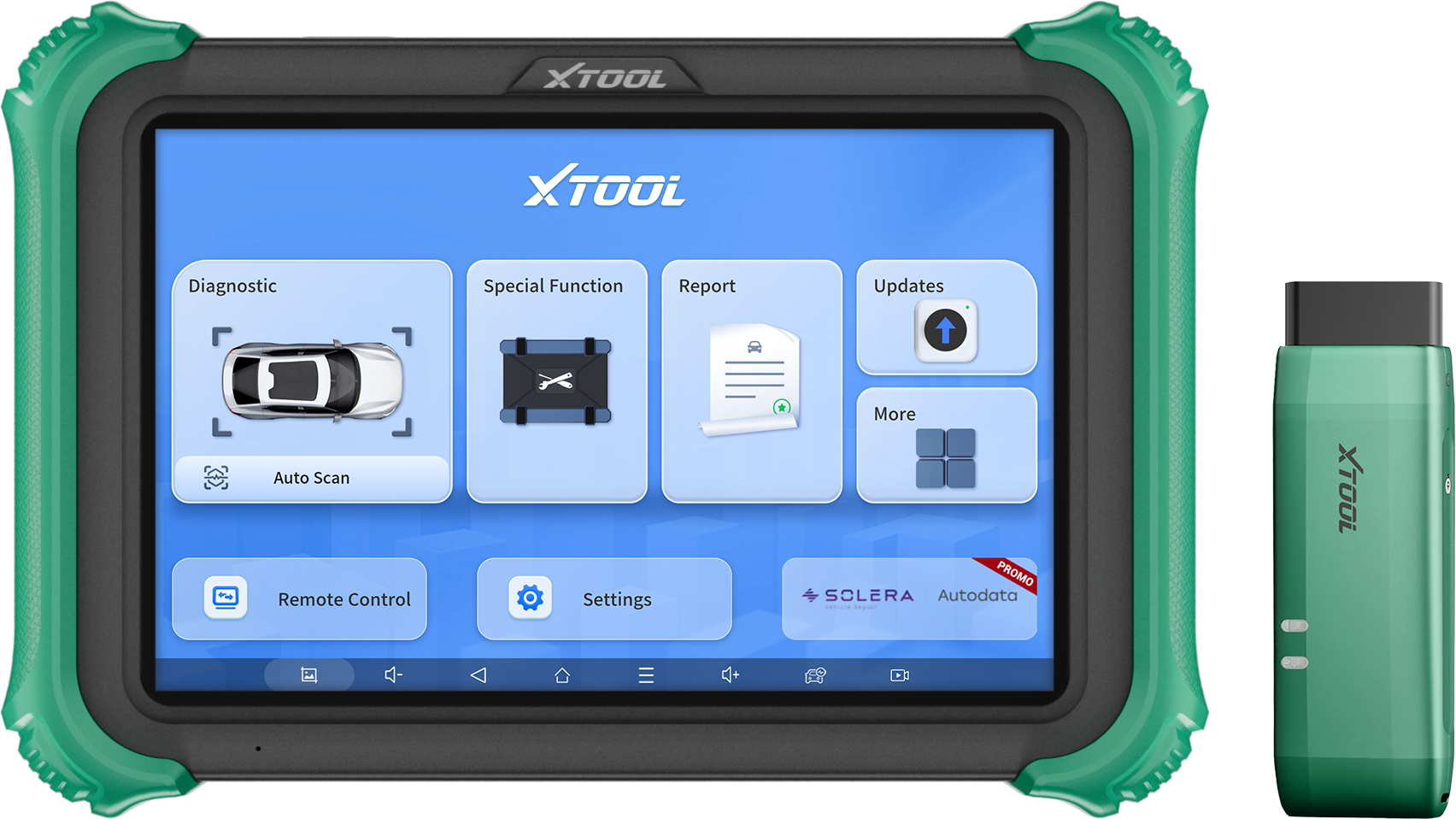
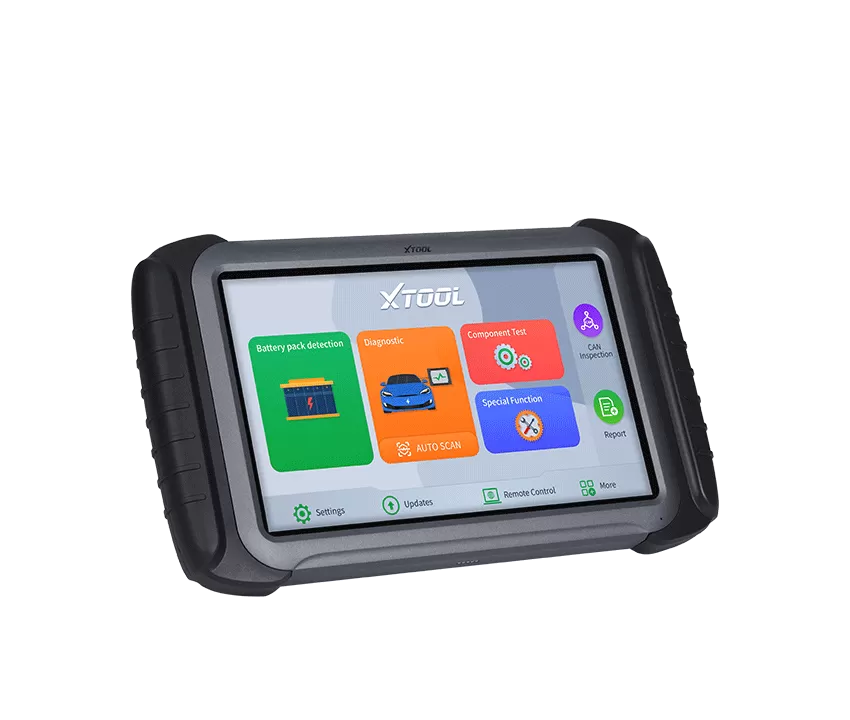
Many modern tablet-based diagnostic scanners are designed with intuitive icons, auto-scan features, quick-access service menus, and printable or shareable health reports. That makes them easier to adopt in busy workshops than more complex OEM tools, which may require brand-specific training, dedicated PCs, or separate subscription accounts. Since diagnostic tools are often used daily for five to seven years, better usability can directly improve technician productivity, customer satisfaction, and the range of services a business can confidently offer.
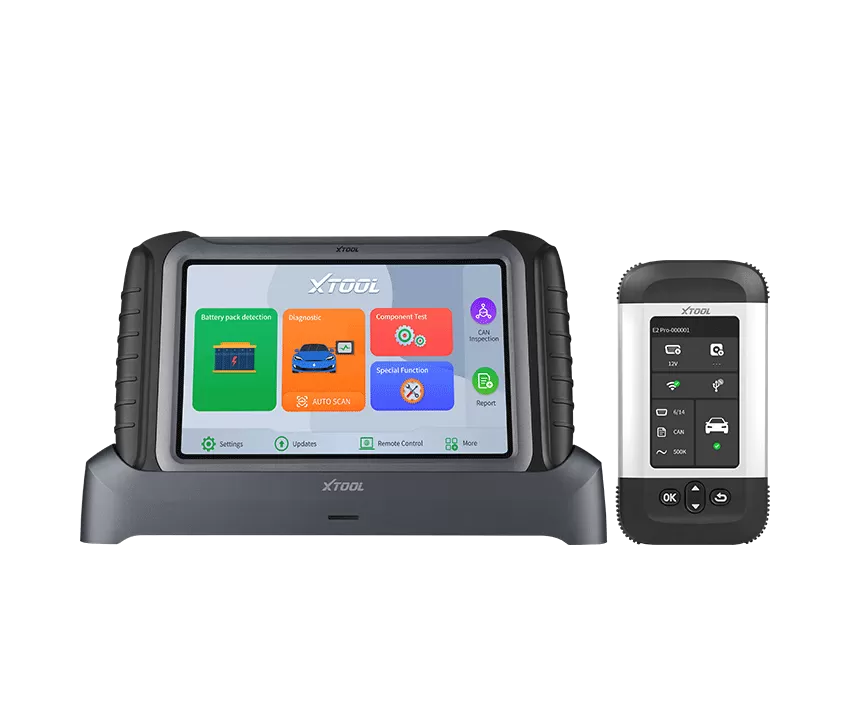
The main difference between entry-level, professional, and OEM-style scanners is how deeply they access vehicle systems, how many special functions they support, and how closely they resemble automaker service tools. When comparing categories, focus on the jobs you perform most often rather than the longest list of features.
Entry-level OBD2 scanners are mainly used to read and clear basic engine-related trouble codes and display limited live data. They are useful for simple engine and emissions checks, such as finding the cause of a MIL warning or confirming inspection readiness, but they are not suitable for more complex repairs involving ABS, airbags, ADAS, TPMS, or body control modules.
Professional full-system scanners expand coverage to multiple modules, including the engine, transmission, ABS, SRS, BCM, TPMS, steering, HVAC, and hybrid or EV systems. They also support bi-directional tests, maintenance resets, and often built-in repair guidance. Professional-grade diagnostic scanner tablets fit this category for many users, making them practical for independent workshops, mobile diagnostics, and fleet operations that need reliable, repeatable workflows.
OEM-style or dealer-level tools go even further by providing automaker-specific coding, programming, security functions, and guided procedures similar to factory equipment, usually at a higher cost and with more limited brand coverage. Many professional diagnostic platforms aim to deliver near-OEM capabilities, including full-system diagnostics and extensive service functions, while remaining more accessible to independent garages and advanced DIY users who do not want the cost of a full dealer subscription setup.
| Type of scanner | Typical user | Main functions | Approx. price range (USD, indicative) | Best use case |
|---|---|---|---|---|
| Entry-level OBD2 scanner | DIY owners | Read and clear engine codes, basic live data, emissions readiness | Roughly 30 to 120 | Checking and clearing check-engine lights on one or two personal cars |
| Professional full-system scanner such as a diagnostic scanner tablet | Independent shops, mobile techs, serious DIYers, fleets | Full-system diagnostics, service resets, bi-directional tests, advanced live data, guided reports | Roughly 500 to 2,500 | Daily diagnostics across many brands, deeper troubleshooting, and professional workflows |
| OEM-style or dealer-level scanner | Dealers, brand specialists, high-end shops | Brand-specific coding, programming, security functions, guided OEM workflows | Roughly 1,500 to 6,000+ | Deep diagnostics and programming on narrow sets of brands where factory-level access is required |
Within this framework, a diagnostic scanner generally sits in the professional full-system category, while also overlapping with OEM-style capability in areas such as coding, service, and special functions. That makes it a strong option for users who want advanced functionality without the locked-in cost structure of many dealer tools.
Vehicle coverage, special functions, and update policies determine how many cars your scanner can support, what advanced tasks it can perform, and how long it remains useful as vehicle technology evolves. These factors matter not only for buyers comparing online options, but also for anyone making a long-term investment in a tool that should stay relevant for years.
Coverage should always be checked by make, model, year, and system, including engine, transmission, ABS, SRS, hybrid or EV modules, ADAS, TPMS, steering, and more. Even when a brand is listed, not every function is available on every vehicle, and some reset or coding operations may only work on specific model years or engine variants. Reliable manufacturers usually provide coverage checkers or detailed documentation so you can confirm whether functions such as injector coding, EPB reset, steering angle calibration, or TPMS relearn are supported on your exact vehicle before buying.
Special functions, often called service or maintenance functions, may include oil-service and inspection reset, EPB reset, steering angle sensor calibration, DPF regeneration, battery registration and replacement, throttle relearn and idle adaptation, TPMS sensor ID write or relearn, injector coding and adaptation, and immobilizer or key programming on supported models. These features are especially important for workshops, mobile technicians, and advanced DIYers who handle modern maintenance tasks or work on diesel vehicles, hybrids, and export-market vehicles with different configurations.
Update policies matter just as much as coverage and functions. Many professional scanners include one to three years of free updates, after which you can often renew annually to add new models and features. If updates are skipped for too long, the tool can gradually lose value as newer model years and new ECU platforms appear. For XTOOL, regular software updates and broad global coverage are key advantages, especially for multi-brand workshops and fleets operating across regions.
| Feature | Entry-Level Scanner | Professional Scanner | OEM-Level Tool |
|---|---|---|---|
| Engine Diagnostics | ✓ | ✓ | ✓ |
| Full-System Diagnostics | ✗ | ✓ | ✓ |
| Bi-Directional Control | ✗ | ✓ | ✓ |
| Service Functions | Limited | Extensive | Extensive |
| Coding | Limited | Partial/Advanced | Full |
| Programming | ✗ | Limited | ✓ |
| Typical Users | DIY | Workshops | Dealers |
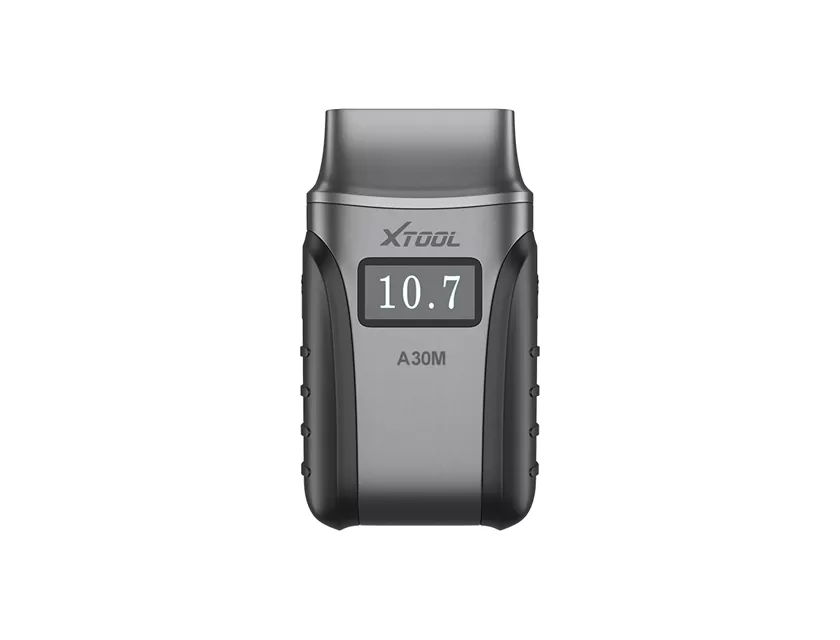
Popular options within the XTOOL product lineup include the XTOOL A30M Bluetooth scanner for DIY users, the XTOOL A30X for advanced mobile diagnostics, the XTOOL D8W professional diagnostic tablets, and the XTOOL N9EV platform designed for EV diagnostics.
No diagnostic scanner supports every vehicle, system, and function without limitations. While most modern OBD2 scanners can communicate with vehicles that comply with OBD2 standards, coverage varies by make, model, year, and control module. Before purchasing a scanner, it is important to verify compatibility using the manufacturer's coverage list or vehicle coverage checker.
A basic code reader primarily accesses engine-related fault codes and emissions data. A full-system scanner can communicate with additional vehicle systems such as ABS, SRS (airbag), transmission, body control modules, TPMS, HVAC, and more. For professional diagnostics and advanced troubleshooting, a full-system scanner provides significantly more information and functionality.
Bi-directional control is not essential for every vehicle owner, but it can save considerable time during diagnostics. It allows the scanner to send commands to vehicle components, such as cooling fans, fuel pumps, relays, or electronic parking brakes, helping technicians determine whether a fault is caused by a component, wiring issue, or control module problem.
Regular updates are recommended, especially for workshops that service newer vehicles. Vehicle manufacturers continuously introduce new models, control modules, and communication protocols. Keeping scanner software up to date helps maintain compatibility, improve diagnostic accuracy, and add support for newly released vehicles and service functions.
The most important features depend on how you plan to use the tool. Vehicle owners may only need basic code reading and live data functions, while repair shops typically benefit from full-system diagnostics, bi-directional control, service functions, coding capabilities, and broad vehicle coverage. It is generally best to prioritize features that match your daily workflow rather than selecting a scanner solely based on the longest feature list.
For many late-model vehicles, CAN FD and DoIP support are becoming increasingly important. These communication protocols enable faster and more advanced vehicle diagnostics. If you frequently work on newer vehicles, choosing a scanner that supports these protocols can help ensure long-term compatibility.
Choosing a car diagnostic tool scanner is not simply about buying a gadget; it is about building a diagnostic strategy that matches your vehicles, technician skill level, and long-term growth plans. When you define your user profile, compare entry-level, professional, and OEM-style tools, verify coverage and special functions carefully, and weigh price against long-term performance and usability, you are far more likely to choose a scanner that pays for itself through time saved, accurate diagnostics, and greater customer trust.
If you manage a workshop, mobile service, fleet, or serious DIY garage, shortlisting professional tablet-based options such as a diagnostic scanner and requesting a tailored consultation is a practical next step. A short discussion with a specialist, supported by clear coverage lists and transparent update policies, can help you avoid years of frustration with underpowered or incompatible tools and can open new revenue opportunities through advanced diagnostics, maintenance services, and value-added system calibrations.